Partners in EdTech Innovation: LAUSD Parent and Family Engagement for the Digital Age
LAUSD Parent and Family Engagement for the Digital Age
Our approach is human-centered. Technology does not replace teachers, relationships, or curiosity, it supports them. We prioritize student well-being, creativity, critical thinking, and joy in learning, while helping students build the digital literacy, skills, and confidence they need to be “Ready for the World” they are entering.
This webpage is an evolving hub designed to support families at school and at home. Here you’ll find guidance on classroom technology use, tips for healthy digital habits, information on digital citizenship and emerging technologies, and updates on district initiatives.
Together, we can ensure technology is used intentionally, responsibly, and in ways that help every student be Ready for the World.
 In alignment with this research, LAUSD’s educational technology strategy focuses on:
- Prioritizing instructional quality over device access alone
- Ensuring technology is purposeful, curriculum-aligned, and teacher-directed
- Monitoring cumulative screen exposure
- Applying stronger protections in earlier grades
- Continuously evaluating impact on both academic and well-being outcomes
| Considerations | What LAUSD is Doing |
|---|---|
| 1. Limit take-home device prior to high school and preserve meaningful parent choice. |
Devices will primarily be used at school, not automatically sent home every day.
Schools will provide paper-based homework options through elementary school if a family prefers no device use at home. Schools will clearly explain:
No student will be academically penalized because a family chooses a non-digital option. |
| 2. Design district devices and policies to maximize intentional, education-only use. |
District devices will be set up for learning first, not entertainment. In elementary school:
Apps and websites not related to instruction will be restricted. Schools and families will receive a simple explanation of:
Student data will continue to be protected under strict privacy rules. |
| 3. Ensure technology supplements, rather than replaces, teacher-led instruction. |
Teachers remain the primary source of instruction, especially in elementary school. In addition to students not spending large portions of the day learning only from software and digital tools, the times when students use technology will be directly tied to instructional standards around technology education and digital literacy. Such standards include:
Digital software and apps (like math or reading practice tools) will be used to:
Teachers will continue using multiple ways to assess learning, not just through digital platforms. Schools will be encouraged to ask: “Is this technology improving learning, or would a non-screen option work better?” Parents may speak to their child’s teacher for more information. |
| 4. Manage cumulative screen exposure across the school day and homework. |
Schools will consider total screen time across the entire school day, not just one class at a time. Teachers will balance screen activities with:
Schools will avoid using digital tools when not needed, such as in Physical Education classes. |
| 5. Apply age-appropriate guardrails and continuously evaluate technology impacts. |
Younger students will have stronger restrictions and fewer online features than older students. Access to advanced tools (including AI tools) will be introduced gradually and with safeguards. Families will receive clearer information about:
The District will continue reviewing research and local data to improve policies, develop additional guidance, and make adjustments tailored to each student’s needs at the school level. |
 Screen Value and Digital Balance:
From “Screen Time” to “Screen Value”
LAUSD’s approach shifts the conversation from how many minutes students are on screens to what students are doing with technology.
High-value screen use includes activities that:
- Support problem-solving, creativity, and critical thinking
- Provide targeted practice aligned to academic standards
- Allow students to create, design, collaborate, and communicate
- Are guided by teachers and connected to meaningful learning goals
Low-value screen use includes passive activities that do not meaningfully support learning, such as unstructured scrolling, multitasking, or extended independent consumption.
To support this shift, LAUSD provides guidance to schools and educators on:
- Balancing screen-based and screen-free learning experiences
- Managing cumulative screen exposure across the school day
- Using technology in developmentally appropriate ways
- Offering non-digital alternatives when appropriate
 Technology as a Support, Not a Substitute
In LAUSD classrooms, teachers remain at the center of instruction. Digital tools are used to enhance learning, not replace human interaction, discussion, or hands-on experiences.
Educational technology may be used to:
- Support small-group instruction and targeted intervention
- Provide personalized practice based on student needs
- Offer feedback that helps students understand their progress
- Extend learning through creation, research, and collaboration
When used well, technology helps teachers better meet students where they are, while preserving the relationships and instructional expertise that matter most.
Digital Citizenship is the practice of using and engaging with technology and digital tools safely, responsibly, and ethically to learn, communicate, and participate in the digital world, including making informed choices about online behavior, use of AI tools, and prioritizing screen value and digital balance. Teaching students digital citizenship is essential to equip them with the skills and competencies they need to protect and empower themselves online, use technology and AI purposefully, and develop healthy digital habits that support learning, well-being, and future success.
LAUSD has laid important groundwork through policies that promote responsible technology use, safe online engagement, and digital citizenship. This includes:
- Digital Citizenship Competencies: Students are required annually to learn about digital citizenship competencies.
- Mandatory Lessons: The District mandates age-appropriate digital citizenship lessons for all K-12 students annually to promote critical media literacy, digital balance, and responsible use of technology, among many other topics.
- AI Literacy for Secondary Students: Required instruction includes the safe, responsible, and ethical use of AI tools and platforms, preparing students for an evolving digital landscape.
- Screen Value Integration: Digital citizenship lessons and professional development have been updated and are launching in Spring 2026 to explicitly incorporate screen value concepts, teaching students how to distinguish between high- and low-value uses of their devices.
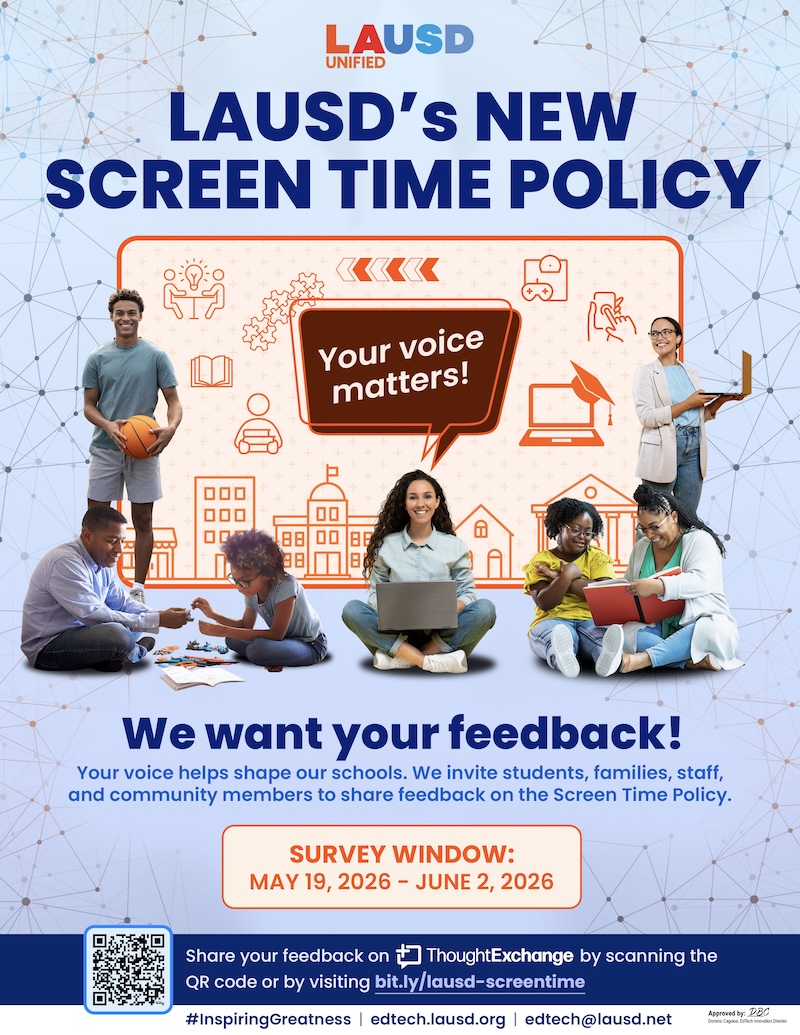
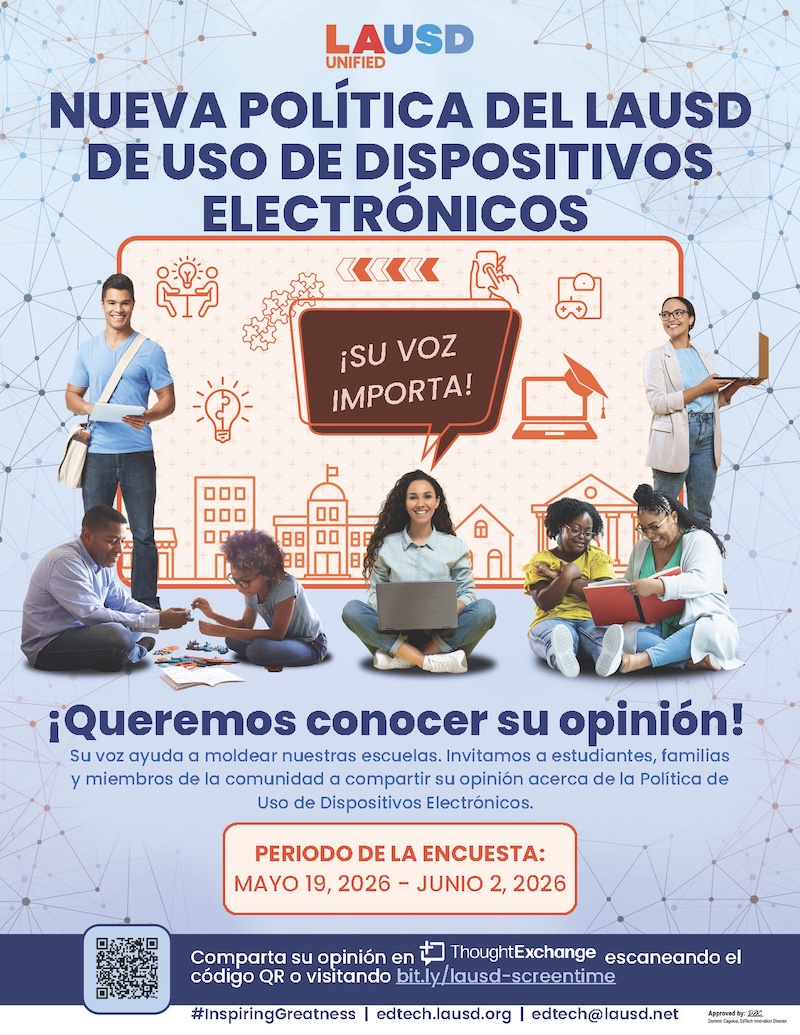
The Responsible Use Policy or RUP explains how students must use District technology, including laptops, tablets, internet, and online learning tools, in a safe, respectful, and responsible way, both at school and at home. The District uses security filters and monitoring systems to protect students, and misuse of technology may result in school discipline. Importantly, Attachment D gives parents a choice: they may opt in to allow their child to take a District device home, or opt out if they prefer the device remain at school. If a parent chooses to opt out, the school will provide alternative options such as printed materials or on-campus access so students can still complete their work.
Digital tools are essential to LAUSD’s instructional program, serving as supports that enhance, rather than drive, instruction.
 Instructional Role: Digital tools enable students to become empowered learners, global collaborators, and creative communicators by developing skills like problem-solving, critical thinking, and digital citizenship through creation, research, and collaboration. These tools go beyond basic functions to foster deep engagement and new possibilities in education. The tools do not replace core instruction from the teacher. Teacher-led instruction remains the primary approach to teaching and learning in the classroom.
- Definition: Digital tools are software, apps, platforms, and websites that support and transform learning, enabling students to become empowered learners, global collaborators, and creative communicators by developing skills like problem-solving, critical thinking, and digital citizenship through creation, research, and collaboration.
- Purpose: Digital tools are used in small group instruction for intervention and acceleration. They complement teacher-led instruction by offering focused skill practice aligned to individual academic standards and student needs.
- Personalized Learning: When paired with high-quality core instruction, these tools enable personalized learning. This strategic approach tailors learning experiences to meet unique strengths and needs, aligning well with the District’s Multi-Tiered System of Supports (MTSS) framework.
- The full range of digital tools available to schools vary from districtwide apps, to centrally-purchased tools, to school-based purchases. These purchases follow District procurement guidelines.
 Personalized learning is a strategic approach that tailors learning experiences to meet each student’s unique strengths, needs, and learning styles, based on students’ performance on the interim and diagnostic assessments that assess reading and math skills aligned to the standards.
 i-Ready
 i-Ready is utilized by LAUSD for both diagnostic assessments and personalized instruction. i-Ready MyPath uses diagnostic results to identify each student's skill needs. MyPath automatically assigns customized standards-aligned lessons matched to individual levels. There are two parts to i-Ready. The first part is the Diagnostic Assessments which are required to be administered three times per year, with end-of-year being optional for grades 3-8 and 11. The second part of i-Ready is the Personalized Instruction component that is highly recommended for schools to provide to students based on needs. A range of 30-45 minutes per week for students needing intervention in foundational reading or math instruction is recommended during small-group instruction. This comes down to about six minutes per day, and as students progress in their foundational skills, the minutes may change.
- Personalized learning through digital instructional tools is part of our instructional program for all students. The use of i-Ready MyPath is part of the District's Comprehensive Needs Assessment, as noted in the LCAP, and our students are showing improved outcomes in i-Ready that are also reflected in standardized test scores.
- The following is the recommendation for i-Ready MyPath in both reading and math:
- 45 minutes per week in each subject: reading & math (5-10 minutes a day)
- 70%+ passing rate for each lesson
- Integrated into independent workstations during small group instruction
 IXL
IXL IXL is utilized by high school students through personalized study plans. Using i-Ready diagnostic results, IXL pinpoints skill areas needing support and creates learning paths aligned to grade-level standards that build on student strengths. After each diagnostic testing window, student scores are automatically uploaded to IXL, and individualized study plans are created to target essential skills, reinforce academic strengths, and support growth toward or beyond grade-level proficiency. This personalized approach ensures students remain on a learning path that supports proficiency in critical academic standards, whether they are performing below, at, or above grade level.
 The District maintains strict data security and privacy requirements with digital tool providers. LAUSD utilizes a multi-department review and vetting process called Procurement of Digital Solutions (PoDS) for all digital tools. This process evaluates digital tools, products, and solutions across multiple requirements, such as instructional value, data privacy and security, AI features, among others and verifies and tests them for safety, transparency, and privacy.
 Across grade levels, the evidence indicates:
- Instruction matters more than devices: Simply providing devices does not improve academic outcomes. Technology is most effective when it is intentionally integrated into teacher-led instruction.
- Targeted, curriculum-aligned tools can produce small but meaningful academic gains: Adaptive tools that support individualized practice, especially in mathematics and for lower-achieving students, show the most consistent positive effects.
- Replacing teachers with technology does not improve learning: Digital tools are most beneficial when they supplement, not substitute for, strong classroom instruction.
- Evidence tying educational screen time alone to harm is limited: Research suggesting negative outcomes beyond approximately two hours per day generally reflects total screen exposure (including recreational and social media use), not classroom-based instructional use.
- Age and supervision matter: Younger students benefit most when screen use is limited, interactive, and supported by adult guidance.